Loading the file…

Recents

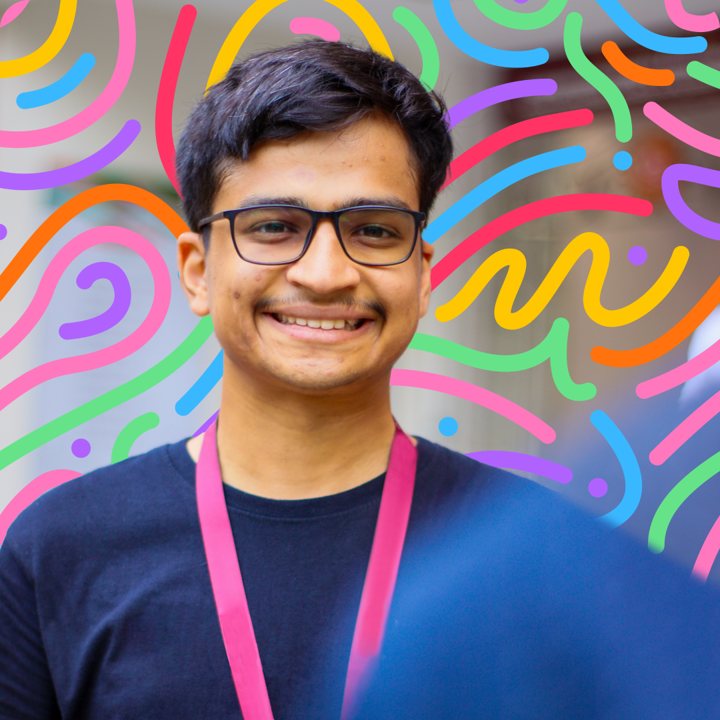
Hi, I’m Keshav. I design interfaces that work for everyone.

I’m a UI designer at Zeus Learning, specialising in accessibility and design systems for ed-tech products used by K-12 and higher-ed students in North America and Europe. My computer engineering background helps me understand the constraints and strengths of a team’s architecture and code, so I design things developers can actually build.

Curious how I annotate designs for developers? See this site with its own annotations switched on.
  • 25+ modules designed for one accessibility overhaul
  • 80+ designers using the annotation kit I helped build
  • 2.2 AA the WCAG level every one of my specs is written to

Client work is confidential under NDA, so products and clients stay unnamed and the visuals are simplified recreations. The process and the decisions are real.
Files

Get in touch

I’m open to UI, product and accessibility design roles.

Emailkeshavpai927@gmail.com
Phone+91 85919 62945
Download resume (PDF)

Keyboard shortcuts

Single-key shortcuts can be turned off in the accessibility menu.

CtrlK
Open this list
A
Show or hide annotations
Y
Open version history
P
Present mode
V
Move tool
H
Hand tool (drag to pan)
C
Leave a comment
+−
Zoom in and out
Shift1
Zoom to fit
Shift0
Zoom to 100%
Esc
Close menus or exit present mode

Leave a comment

This opens your email app with the message ready to send.